How to Redeem Revolver Arena Codes
Safe in-game steps, common errors, and what to do when no codes are live.
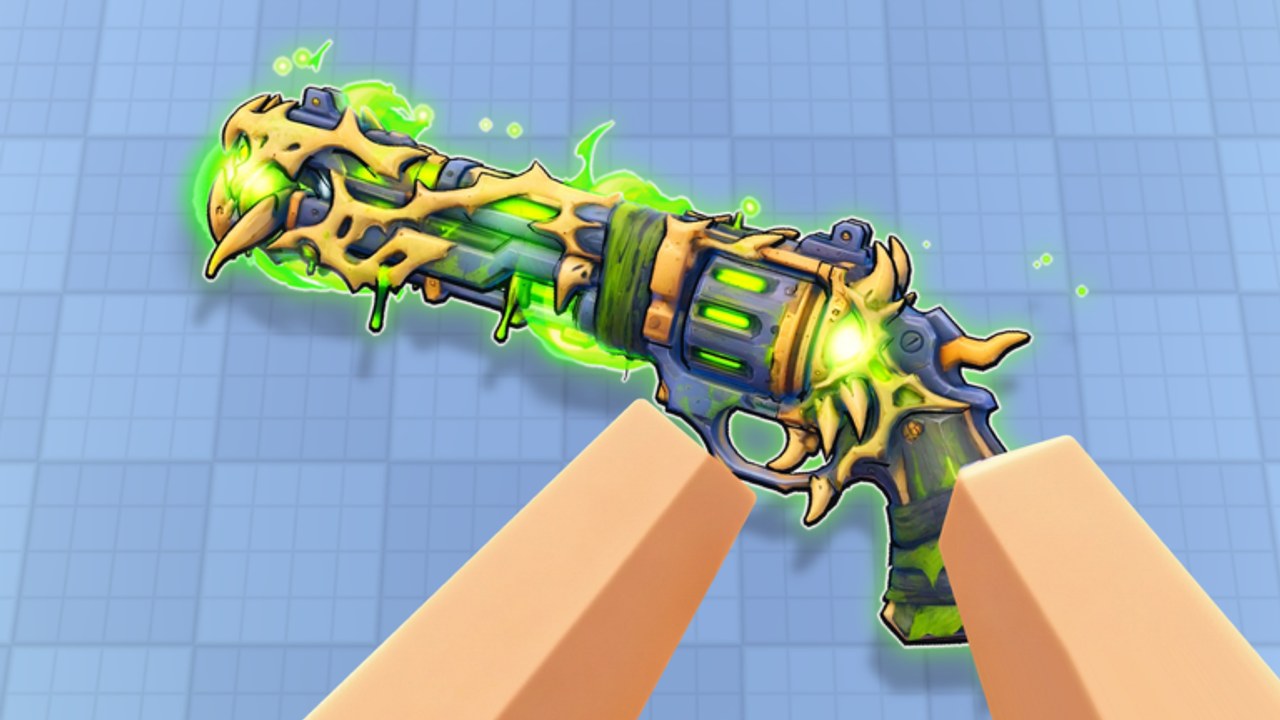
Redeeming a Revolver Arena code should take under a minute once the developer publishes one. This guide walks through the usual Roblox FPS flow, what to check before you paste a string, how to troubleshoot failed redemptions, and how to stay safe while you wait for the first confirmed drop. Pair it with the live status on the Codes Hub — as of November 2026 there are no publicly confirmed active codes, but the steps below still matter so you are ready the moment a group shout or update post lands.
Revolver Arena is demilian’s one-shot revolver deathmatch on Roblox (released 12 October 2026, max 8 players). Freebies will plug into cases, cosmetics, XP, daily quests, and the Arena Pass — not into weapon power. Skins stay cosmetic only. If you are brand new, skim Getting Started first so menus and inventory feel familiar.
Before you redeem
- Confirm the code is real. Prefer the demilian Roblox group shout, the official game page, or notes summarized on Updates. Ignore DMs and random “codes generator” sites.
- Launch the correct experience. Title may appear as Revolver Arena or [RANKED] Revolver Arena in listings — join the official place, not a copycat.
- Stay signed into the account that should receive rewards. Codes bind to the Roblox account you are playing on.
- Have inventory / rewards UI unlocked. Finish any forced tutorial beats covered in Getting Started.
- Do not install “redeem helpers.” Anything that asks for your password, cookie, or an executor is a scam. See the Scripts Hub for why injectors are unsafe.
Step-by-step redemption
Exact button labels can shift after patches, but the pattern in Roblox arena shooters is consistent:
- Open Revolver Arena from Roblox and enter a lobby or menu where shop / rewards / settings are reachable.
- Look for a Codes, Redeem, Gift, or Promo button. Common placements: main menu, shop banner, settings gear, or a gift-box icon near cases and the Arena Pass.
- Tap or click to open the text field.
- Type or paste the code exactly — codes are often case-sensitive. Avoid leading or trailing spaces.
- Confirm with Redeem, Submit, or Claim.
- Read the success toast. Rewards may go to inventory, case keys, currency, XP, or Arena Pass progress.
- Check related UIs: cases (Skins and Cases), pass track (Arena Pass), and level progress that feeds Leaderboards.
If you cannot find a Codes button yet, that often means the feature is gated behind an update or simply unused until the first promo. Recheck after the next entry on the Updates Hub rather than downloading unofficial “redeem apps.”
Platform notes (PC, controller, mobile)
Revolver Arena supports keyboard/mouse, controller, and touch. Redemption is a menu action, so use whatever input opens the UI cleanly:
- PC: Mouse through menus; keep combat binds from Controls unchanged (Shoot M1, Aim/Stab M2, Slide Ctrl/C, Reload R, Swap Q, Jump Space).
- Controller: Navigate with the stick and confirm with the face button your layout uses for Accept; combat remains Shoot R2, Aim/Stab L2, Slide B, Reload X, Swap Y, Jump A unless you remapped them in Settings.
- Mobile: Use on-screen buttons (movable/resizable). Open the codes panel with UI taps, not the fire button. Aim assist does not affect menu text fields.
If the virtual keyboard covers the redeem field on mobile, rotate orientation or drag the panel if the UI allows. Sensitivity and layout tips live under Tools and Settings.
Troubleshooting failed codes
| Symptom | Likely cause | What to try |
|---|---|---|
| Invalid / not found | Typo, wrong game, or fake list | Recopy from an official source; verify you are in Revolver Arena |
| Already redeemed | One redeem per account | Check inventory; you will not get a second grant |
| Expired | Timed promo ended | Wait for the next drop; update the Codes Hub mentally as expired |
| No Codes button | Feature not shipped or moved | Finish tutorial; recheck after patches on Updates |
| Rewards missing | UI lag or wrong tab | Relog; inspect cases, currency, and Arena Pass |
| Site asks for password | Phishing | Close immediately; change password if you typed it anywhere |
Never “fix” a failed code by running a script. Cheats risk moderation and account theft; our Scripts page explains the risk model and why this wiki only lists verified loadstrings when they exist for this specific game (none confirmed yet).
What to do while no codes are active
Use the downtime to build skill that codes cannot buy:
- Drill movement tech — slide, wall run, vault, climb — in Movement.
- Learn mode win conditions for Free For All, Team Deathmatch, Capture the Flag, and Gun Game via Game Modes and Modes Tier List.
- Plan cosmetic spending with Skins and Cases and Arena Pass so a future code key is not wasted on duplicates you do not want.
- Study the broader meta on Tier List and track standout players on Players.
- Keep an eye on RANKED branding and seasonal update tags on Updates.
Safety checklist
- Redeem only in the official client session.
- Never share account credentials, backup codes, or
.ROBLOSECURITYcookies. - Do not complete offers, surveys, or downloads that promise “unlimited codes.”
- Treat any Discord server that requires a bot login as hostile unless it matches the official group invite.
- Report phishing links through Roblox’s normal reporting tools.
When a verified code appears, return to the Codes Hub for the string and reward line, then use this page for the click path. Fair play keeps ranked lobbies and the Players Leaderboards meaningful for everyone.
Related links
- Codes Hub — live status and sources
- Updates Hub — when new promos are announced
- Guides Hub — full tutorial index
- Scripts Hub — why unofficial redeem tools are unsafe
- Getting Started — first-hour checklist
Frequently Asked Questions
Quick answers for Revolver Arena players.
Where is the codes button in Revolver Arena?
Look on the main menu, shop, settings, or gift/rewards panel for Codes, Redeem, Gift, or Promo. If it is missing, the feature may not be live yet — recheck after updates.
Do I redeem codes on a website?
No. Use the in-experience UI only. Websites that ask for your Roblox password or cookie are scams.
Why does my code say invalid?
Common causes are typos, extra spaces, wrong game, expired promos, or fake lists. Copy again from the demilian group or official update posts.
Can I redeem the same code twice?
Almost never. Roblox experience codes are typically one redeem per account. Check inventory instead of retrying endlessly.
Are there active codes to redeem today?
Will a code make my revolver stronger?
No. Expect cosmetics, cases, currency, or XP. Skins are cosmetic only; skill and movement decide fights.