Revolver Arena Controls Guide
Shoot, aim, slide, reload, and swap—clean bindings for every platform.
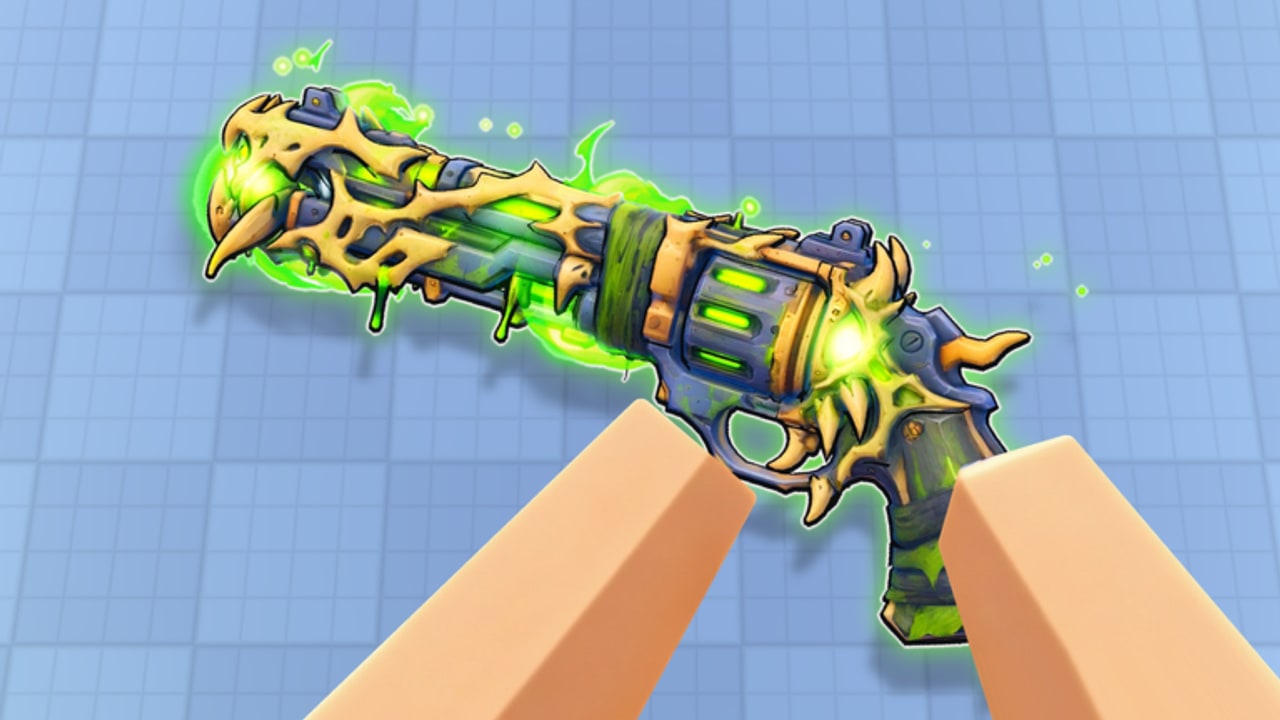
Revolver Arena is a one-shot revolver FPS with knife melee and parkour movement. If your bindings are wrong, no amount of game sense saves you. This page lists the official-style control map for PC, controller, and mobile, then explains how to practice each action under live fire. Pair it with Getting Started for onboarding and Movement for slide and wall-run mastery.
Creator demilian ships the same core verbs on every platform: shoot, aim or stab, slide, reload, swap, and jump. Servers max out at eight players, so input clarity matters—missed reloads and late knife swaps are free deaths.
PC controls
| Action | Default |
|---|---|
| Shoot | M1 (left mouse) |
| Aim / Stab | M2 (right mouse) |
| Slide | Ctrl or C |
| Reload | R |
| Swap | Q |
| Jump | Space |
PC tips. Keep fingers resting so M1 / M2 / Space / Ctrl never require a grip change mid-fight. Many players prefer Ctrl for slide because C can conflict with chat habits; pick one slide key and stick to it for a week. Reload with R the instant you break line of sight. Swap with Q the moment an enemy enters melee range—hesitation loses to a committed stab.
Use a medium-low sensitivity so one-shot tracking stays smooth. Flick too high and you overshoot heads in close arenas; too low and wall-run strafe peeks feel sticky. Change one setting at a time, then play two FFA games before judging it.
Controller controls
| Action | Default |
|---|---|
| Shoot | R2 |
| Aim / Stab | L2 |
| Slide | B |
| Reload | X |
| Swap | Y |
| Jump | A |
Controller tips. Hold a light L2 aim press before peeks so the shot is already prepared when you clear the corner. Slide on B pairs naturally with thumbstick strafes—practice slide-jump chains without releasing aim entirely when safe. Reload on X should be a reflex after every kill. Swap on Y must be reachable without looking down at the pad; drill Y then melee in a custom warm-up if the game allows idle space, or simply in a quiet corner of a live map.
Watch stick drift and dead zones. In a one-shot title, tiny unwanted yaw during a slide peek throws the entire duel. If your controller feels floaty, raise dead zone slightly rather than cranking look speed.
Mobile controls
Mobile uses on-screen buttons you can move and resize, plus aim assist to help with tracking on touch screens.
Mobile layout checklist
- Place fire and aim where your thumbs naturally rest—usually lower corners—without covering the center of the screen.
- Put slide and jump within easy reach of the left thumb so parkour does not force a full hand shift.
- Keep reload and swap large enough to hit under stress, but not so large that you mis-tap them while strafing.
- After resizing, play one full match before fine-tuning again; constant HUD edits destroy muscle memory.
- Lean on aim assist for tracking, not for blind hip-fire around corners. Assist helps; it does not replace pre-aim.
If buttons feel crowded on a small phone, shrink secondary actions first and protect fire, aim, slide, and jump. Tablets can spread the HUD wider for cleaner parkour inputs.
What each action is really for
Shoot. The revolver ends fights in one clean hit when you connect. Value first-shot accuracy over spray habits from other Roblox shooters. After a miss, either reset behind cover or commit to knife if they are already inside your space.
Aim / Stab. Aim tightens shots at range. The same control context covers stab when you are in melee posture or knife mode—confirm the feel in your first session so you are never surprised. See close-range decision trees again on Getting Started.
Slide. Slide shrinks your profile, accelerates peeks, and chains into vaults and wall runs. It is both offense and escape. Oversliding into open mid without a plan is still a death—slide with a destination.
Reload. Empty cylinders lose rounds. Reload after every decisive fight while a wall blocks sightlines. Reloading while chasing a third party across open ground is a classic eight-player lobby mistake.
Swap. Swap toggles between revolver and knife (and keeps you flexible when loadout presentation changes in modes like Gun Game). Train swap-to-knife as a panic button with a purpose, not a flailing spam key.
Jump. Jump enables vault setups, wall-run mounts, and unexpected head-height changes. Combine with slide for unpredictable entries—detailed chains live on Movement.
Warm-up routine (five minutes)
- Ten aimed shots at a static spot while strafing.
- Ten slide peeks from cover to cover.
- Five intentional reloads behind cover after pretend kills.
- Five swap-to-knife stabs, then swap back to revolver.
- Two wall-run or vault attempts on the nearest legal geometry.
Then queue Game Modes you actually want to improve. FFA isolates aim; TDM and CTF add teamwork pressure; Gun Game stresses swap adaptability.
Platform-specific pitfalls
- PC: Accidental chat or browser overlays stealing focus mid-duel. Keep the client focused; bind slide away from chat if needed.
- Controller: Hard-swapping faces mid-slide and losing camera. Practice maintaining soft aim through the slide animation.
- Mobile: Fat-fingering reload instead of fire. Separate those buttons vertically, not only horizontally.
- All platforms: Forgetting reload after a multi-kill streak when the next challenger is already peeking.
Settings mindset (without chasing ghosts)
Revolver Arena does not need a twenty-page graphics bible. Prioritize stable frame pacing, readable enemy silhouettes, and an input feel you can reproduce daily. After patches, glance at Updates in case control prompts or HUD options change. For progression systems tied to playtime, keep Arena Pass handy so warm-ups still advance quests.
Cosmetics never alter recoil or damage—confirm that mindset on Skins and Cases so you do not blame a skin for a missed shot. Ranked pride and leaderboard context sit under Players. Community tooling chatter is on Scripts; learning fair binds comes first.
Cross-links for the next skill
- New to the game? Return to Getting Started.
- Ready to parkour? Open Movement.
- Ready to specialize? Study Game Modes.
- Need free rewards? Check Codes.
- Comparing approaches? Skim Tier List.
Master the six verbs—shoot, aim or stab, slide, reload, swap, jump—until they are boring. Boring inputs are what win one-shot arenas.
Frequently Asked Questions
Quick answers for Revolver Arena players.
What is the PC slide key in Revolver Arena?
Slide is Ctrl or C on PC. Pick one and keep it consistent so parkour timing stays reliable.
How do I stab on controller?
Use L2 for Aim / Stab, and swap with Y when you need the knife ready. Practice the swap under pressure.
Can I move mobile buttons?
Yes. On-screen buttons can be moved and resized. Place fire, aim, slide, and jump first, then secondary actions.
Does mobile have aim assist?
Yes. Mobile includes aim assist to help with tracking, but you should still pre-aim corners.
When should I reload?
Reload behind cover right after a fight. Avoid reloading in the open while chasing another player.
Where do I learn movement tech after controls?
Read the Movement guide for slide, wall run, vault, and climb chains once bindings feel automatic.